Mi Flora (Flower Care): how to use your sensors
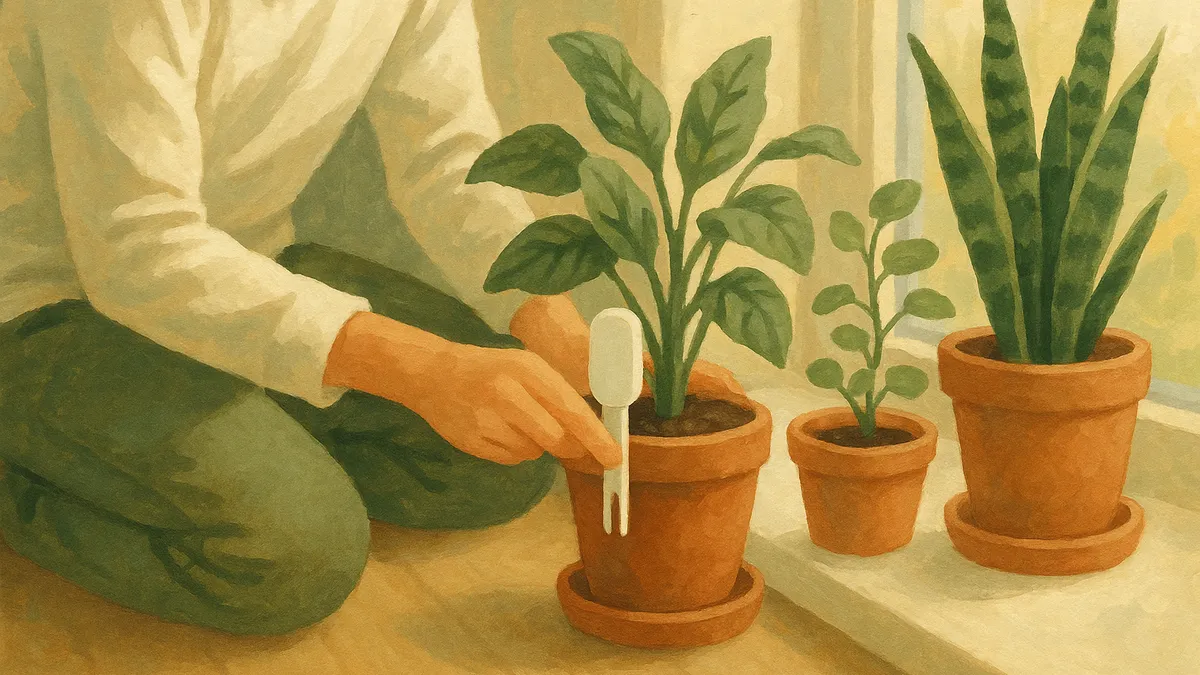
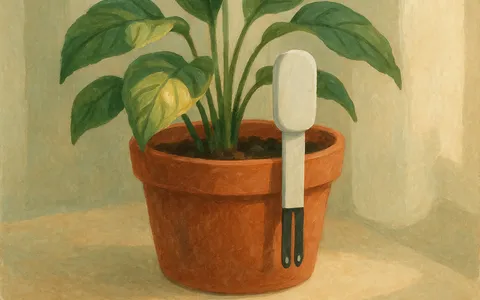
If you already own a Xiaomi Mi Flora or Flower Care plant sensor, you own one of the most useful little tools in houseplant care. That green stake in the soil measures what your eyes cannot: how wet the soil really is, how much light the plant gets, the temperature around it, and how much nutrition is left in the pot. Urban Jungle Care reads those sensors directly, so you can keep using the hardware you have and simply give it a clearer, more helpful home.
What the Mi Flora sensor measures
The Mi Flora (sold in different regions as Flower Care, HHCC, or VegTrug) is a four-in-one sensor. It tracks soil moisture, light, temperature, and soil fertility, and it broadcasts those readings over Bluetooth Low Energy. One coin-cell battery lasts many months, and a single sensor lives happily in a pot for a full season.
The sensor is great at measuring. What it is not great at is telling you what to do with the numbers. That is the part Urban Jungle Care adds.
Why pair it with Urban Jungle Care
On its own, a raw moisture percentage does not mean much. Twenty percent is fine for a snake plant and far too dry for a fern. Urban Jungle Care takes each reading, compares it against what your specific plant actually needs, and turns it into a plain task: water this one today, hold off on that one, move this plant to more light.
- The latest reading for every plant, in one list.
- Care tasks based on the real state of the soil, not a fixed weekly schedule.
- Alerts when a plant is too dry, too wet, too cold, or running low on nutrition.
- Battery warnings so a sensor never goes quiet without you noticing.
You keep your Mi Flora sensors. You just stop guessing.
Connecting a sensor over Bluetooth
Getting started takes a couple of minutes:
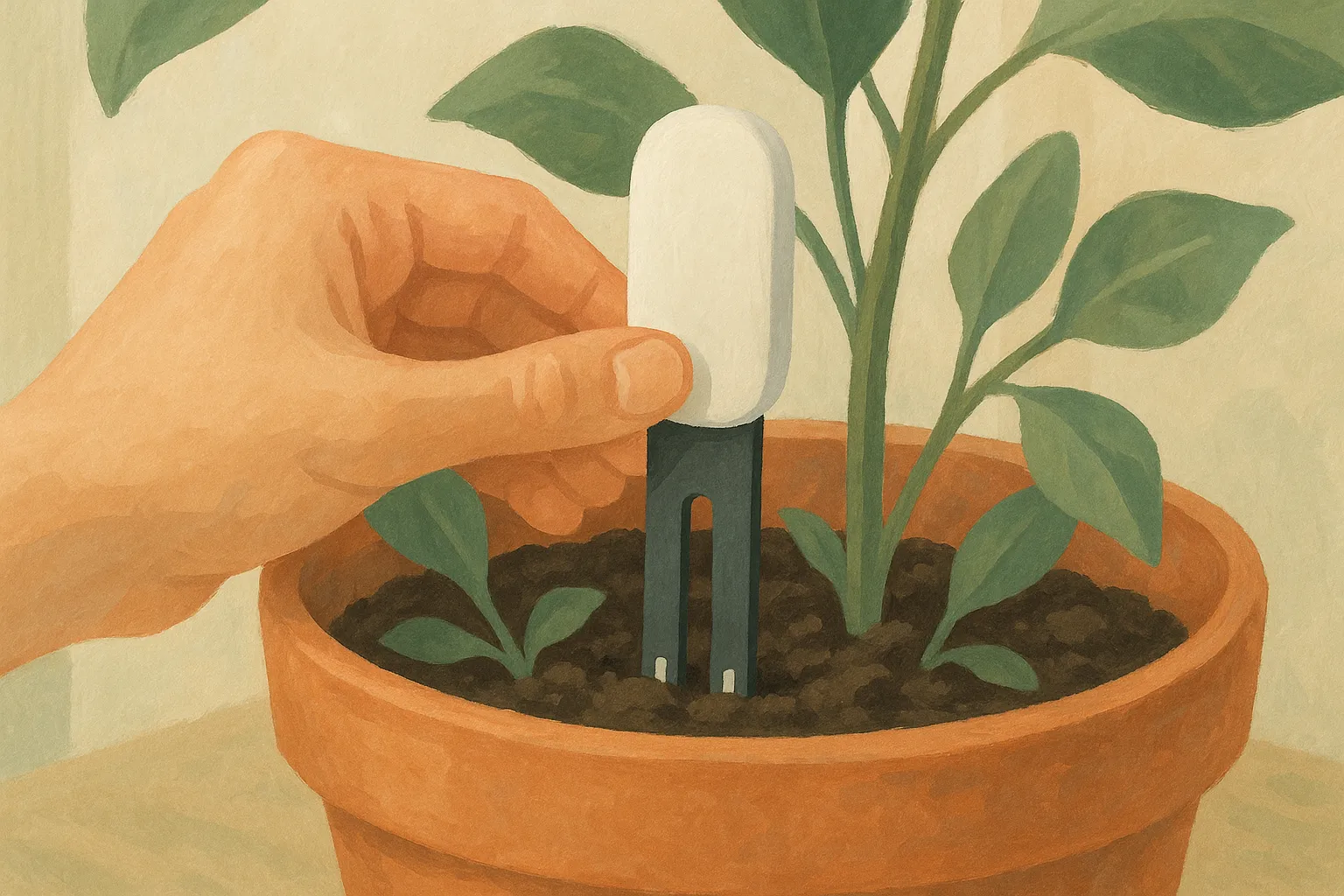
- Make sure the sensor has a fresh CR2032 battery and is pushed firmly into the soil.
- Open Urban Jungle Care and allow Bluetooth and location permissions when asked. Android needs the nearby-devices permission to scan.
- Start a scan. Nearby sensors show up under their advertised name, usually Flower care.
- Select your sensor and link it to a plant. Repeat for each pot.
Once linked, the app scans for your sensors each time you open it (and whenever you pull down to refresh), reads the ones within Bluetooth range, and stores the history so you can see trends over time.
Getting reliable readings
Bluetooth is short range, so a few habits keep your data fresh:
- Keep the sensor within a handful of meters of your phone when you take a reading. Thick walls and metal shelves shorten that range.
- Open the app as you water your plants. That daily pass is usually enough to keep every sensor current.
- Push the probe fully into moist soil. A sensor sitting in a dry air pocket reports a plant as thirsty when it is not.
- Replace the battery when the app flags it. Readings drift before a dying cell goes silent.
When your phone is not enough
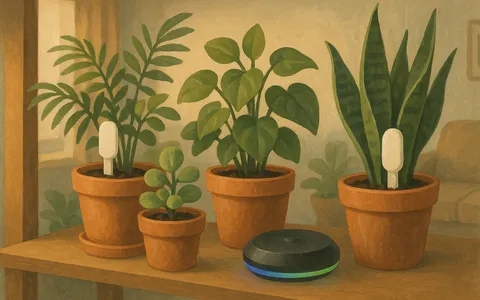
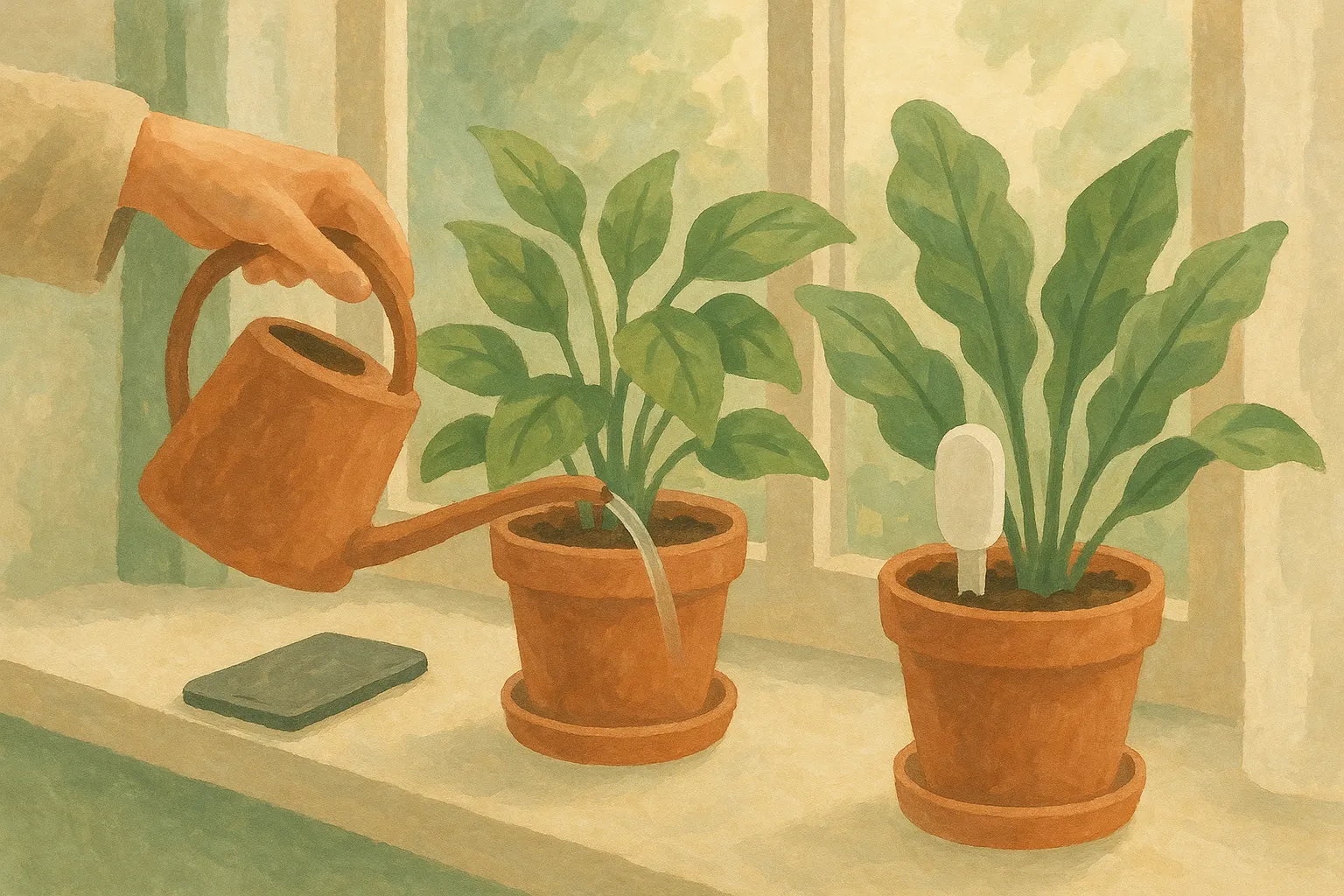
The one limit of a phone-only setup is that a reading happens when you open the app within Bluetooth range of a sensor. If you travel, or you want your data to update without you being there, a Homey smart-home hub can read your Mi Flora sensors for you and sync the readings straight to your Urban Jungle Care account. Your plants stay up to date even when your phone is nowhere near them. We cover that setup in its own guide.
The short version
Your Mi Flora sensor is a quietly excellent piece of hardware. Urban Jungle Care gives it a job worth doing: reading the soil for every plant you own and turning those numbers into the one thing you actually want, which is knowing exactly when to act.