
Homey integration for Mi Flora sensors
Let a Homey hub read your Mi Flora sensors and keep every plant up to date.
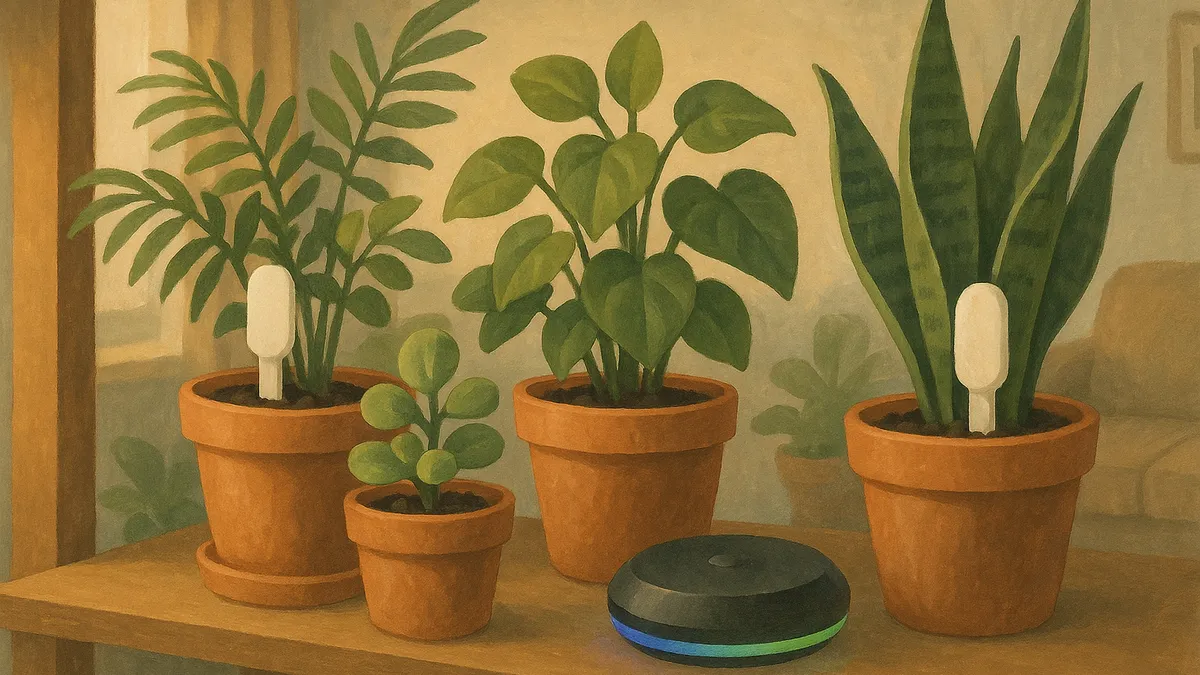
- Homey app
- Urban Jungle Care, app id care.urbanjungle
- Homey models
- Homey Pro and Homey Bridge
- Minimum firmware
- Homey 12.1.0
- Supported sensors
- Xiaomi Mi Flora, Flower Care, VegTrug Flora
- Readings
- Soil moisture, nutrition, temperature, light, battery
- Connection
- Bluetooth Low Energy, from sensor to Homey
- Account
- The same Urban Jungle Care account as the mobile app, linked over OAuth 2.0
The Urban Jungle Care app for Homey reads your Xiaomi Mi Flora and Flower Care sensors over Bluetooth and sends every reading to your Urban Jungle Care account. Your plants stay up to date while your phone stays in your pocket.
What the integration does
- Reads soil moisture, nutrition, temperature, light and battery level from each sensor.
- Repeats that reading on a schedule, so a plant in a back room is as current as the one on your desk.
- Writes to the same account as the mobile app, so every plant keeps one history.
- Shows your open care tasks on the Homey dashboard through the Urban Jungle Care widget.
What you need
- A Homey Pro or Homey Bridge on firmware 12.1.0 or newer.
- One or more Xiaomi Mi Flora, Flower Care or VegTrug Flora sensors within Bluetooth range of the Homey.
- An Urban Jungle Care account, the same one you use in the mobile app.
Setting it up
- Install Urban Jungle Care from the Homey App Store.
- Add a device. Homey opens the Urban Jungle Care login page, where you sign in and give Homey access to your plants.
- Homey then scans for sensors nearby and lists the ones it finds. Pick the sensors you want to add.
- Link each sensor to the plant it sits in.
From there Homey does the work. Open the mobile app whenever you like and the readings are already there.
Bluetooth range decides what works
A sensor talks to the Homey over Bluetooth Low Energy, so the hub has to be close enough to hear it. Place the Homey centrally rather than in a cupboard or a far corner, and remember that walls, floors and large metal objects cut the range. Plants spread over a large home may need to move closer, or the sensor plants can be grouped in rooms the Homey reaches.
Phone and hub together
You do not have to choose. Your phone reads a sensor whenever you open the app near the plant, and Homey covers the hours you are away. Both write to the same Urban Jungle Care account, so the history stays complete whichever one took the reading.
Step by step instructions with pictures are in the guide Keep your Mi Flora sensors updated with Homey.

Questions about this integration
Yes. Once a sensor is paired with Homey, the hub reads it on a schedule and sends the values to your Urban Jungle Care account. Your phone can stay in your pocket.
Xiaomi Mi Flora, Flower Care and VegTrug Flora sensors. They use the same Bluetooth protocol, so Homey reads them in the same way.
Both work. The app runs locally on a Homey Pro and in the cloud for a Homey Bridge. In both cases the Homey device does the Bluetooth reading.
As far as Bluetooth Low Energy reaches, which is around ten metres indoors. Walls, floors and large metal objects shorten that, so a central spot for the Homey helps.
Yes. Your phone reads a sensor whenever you open the app near it and Homey fills in the rest. Both write to the same account, so every plant keeps one history.
The readings pause until the Homey is back. Nothing is lost, and your phone can still read a sensor in the meantime.
No. Urban Jungle Care is an independent app that is compatible with Mi Flora and Flower Care sensors. Xiaomi is not involved in it.