Keep your Mi Flora sensors updated with Homey
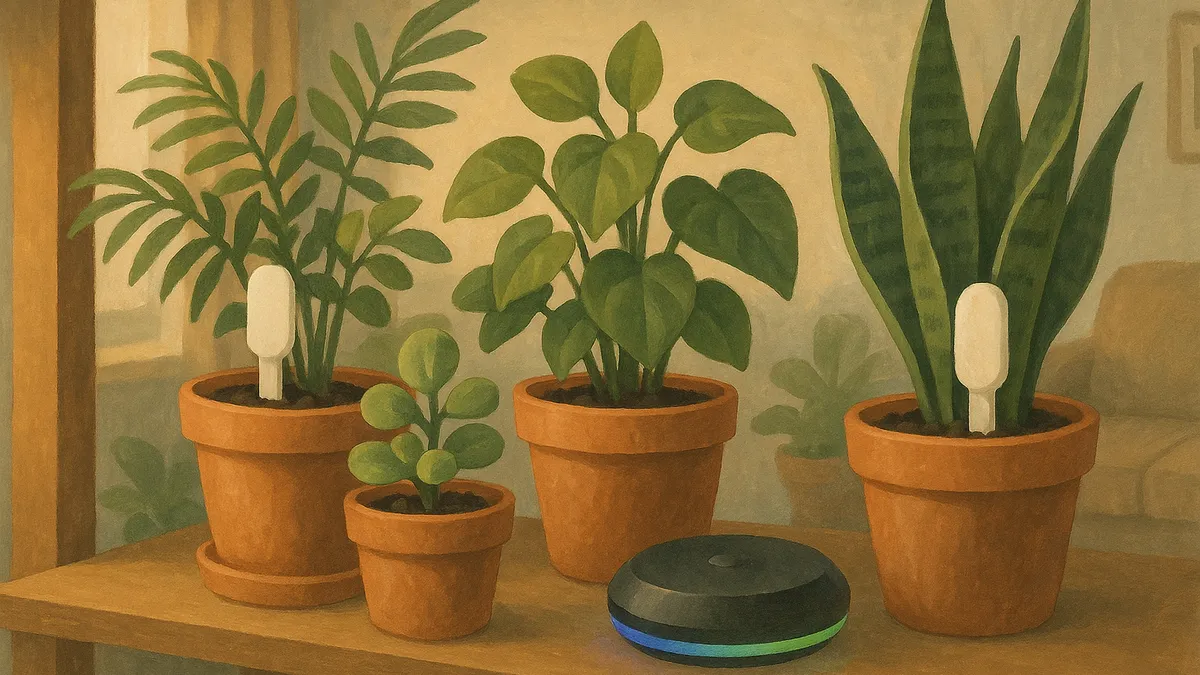
A phone reads a Mi Flora sensor only when you open the app within Bluetooth range of the plant. That is fine for a daily check as you water, but it leaves gaps: a weekend away, a plant in a back room you rarely visit, or a hot afternoon while you are at work. A Homey smart-home hub closes those gaps. It sits in your home, reads your Xiaomi Mi Flora and Flower Care sensors over Bluetooth, and syncs the readings straight to your Urban Jungle Care account.
Why add a hub
The Urban Jungle Care app on your phone is all most people need. A hub helps when you want your data to stay current without you doing anything:
- Always in range. A mains-powered Homey reads sensors on a schedule, so their readings stay up to date without you being nearby.
- Fresh readings while you are away. Travel for a week and come home to a full history instead of a blank stretch.
- Alerts without opening the app. Because the readings update on a schedule, a too-dry or too-cold warning can reach you without waiting until you next open the app near the plant.
- Every plant covered. Sensors in rooms you rarely visit stay as up to date as the ones on your desk.
What you need
- A Homey hub (Homey Pro, or Homey Bridge) within Bluetooth range of your plants.
- Your Xiaomi Mi Flora or Flower Care sensors, already seated in their pots with good batteries.
- The Urban Jungle Care app on Homey, and your Urban Jungle Care account details.
Setting it up
- Install the Urban Jungle Care app from the Homey App Store.
- Sign in with the same account you use in the mobile app, so both see the same plants.
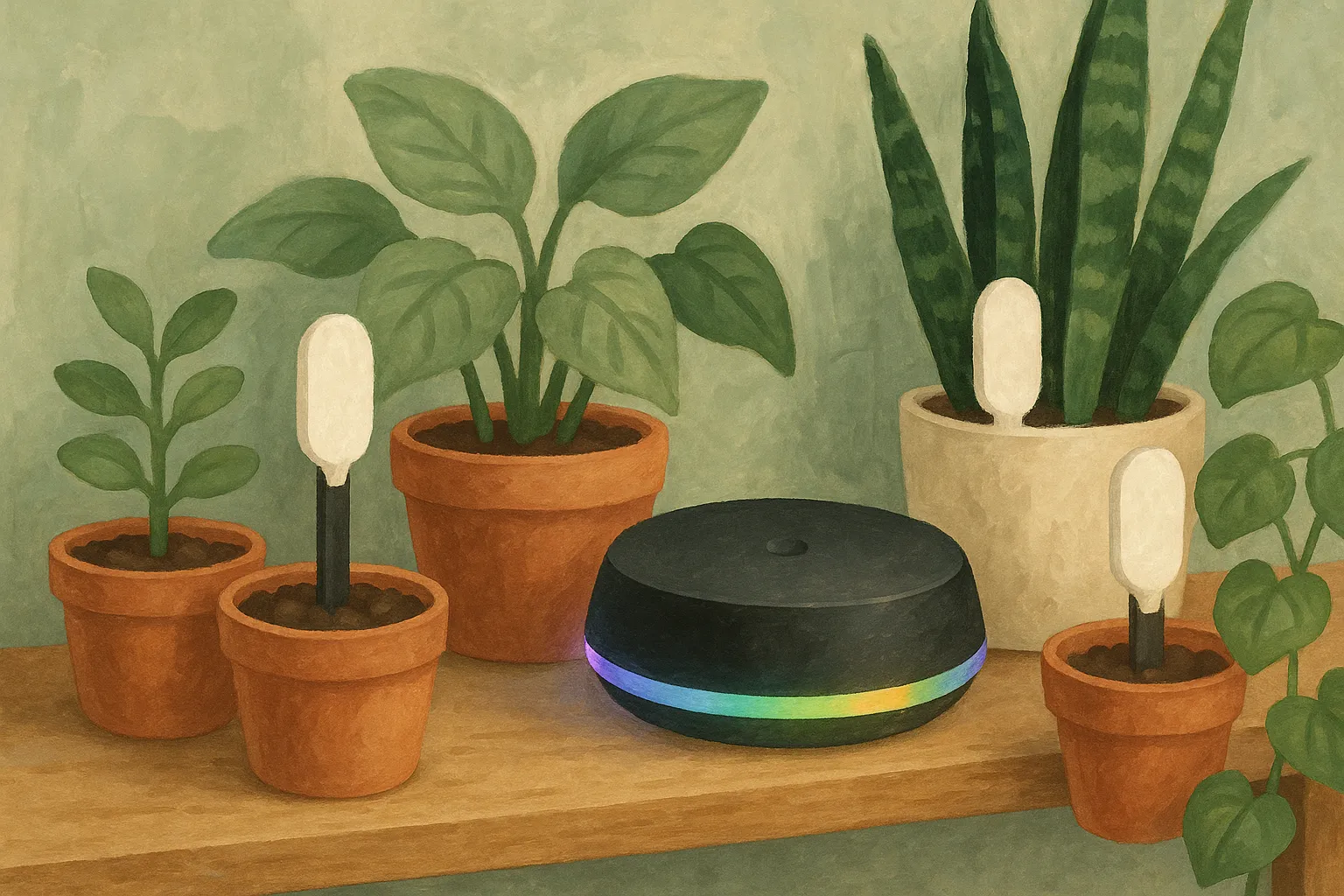
- Add your Mi Flora sensors as devices in Homey. It scans for the sensors nearby and lists them for you to pair.
- Link each sensor to the matching plant.
From there, Homey reads the sensors on its own and pushes the values to your account. Open the mobile app whenever you like and the readings are already there.
Placement matters
Bluetooth still has to reach every sensor, so give the hub a fair chance:
- Place the hub centrally rather than in a cupboard or a far corner.
- Remember that walls, floors, and large metal objects cut range.
- For plants spread across a large home, keep them within a reasonable distance of the hub, or group your sensor plants in rooms the hub can reach.
One account, two ways to read
You do not have to choose between phone and hub. Your phone still reads your sensors whenever you open the app near them, and Homey fills in everything else on its schedule. Both write to the same Urban Jungle Care account, so your plant history stays complete no matter which one took the reading.
If you already run a Homey, this is the simplest way to turn a good phone setup into a hands-off one, and to make sure a thirsty plant in a spare room is never a surprise.
Which sensors work, which Homey models are supported and what the app needs are on the Homey integration page.